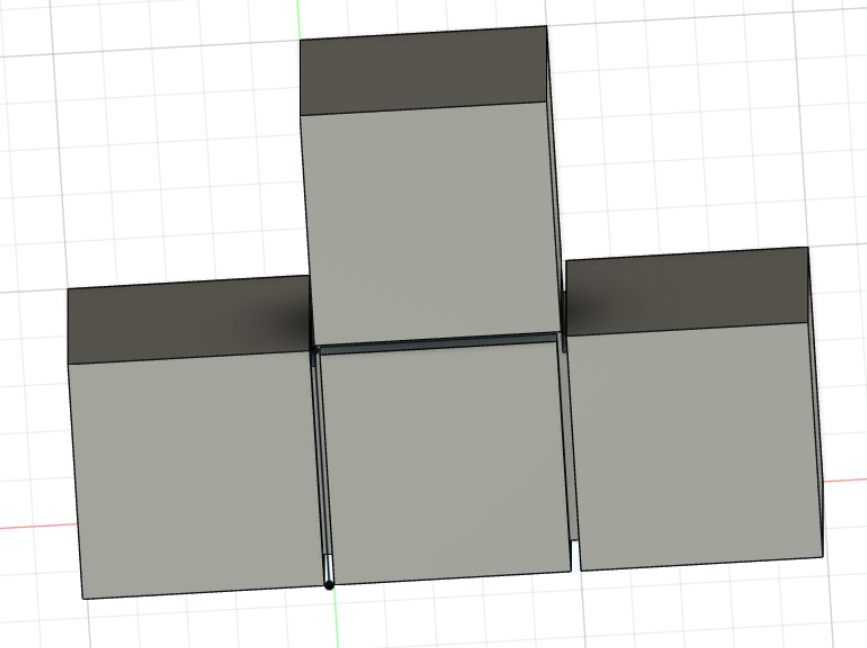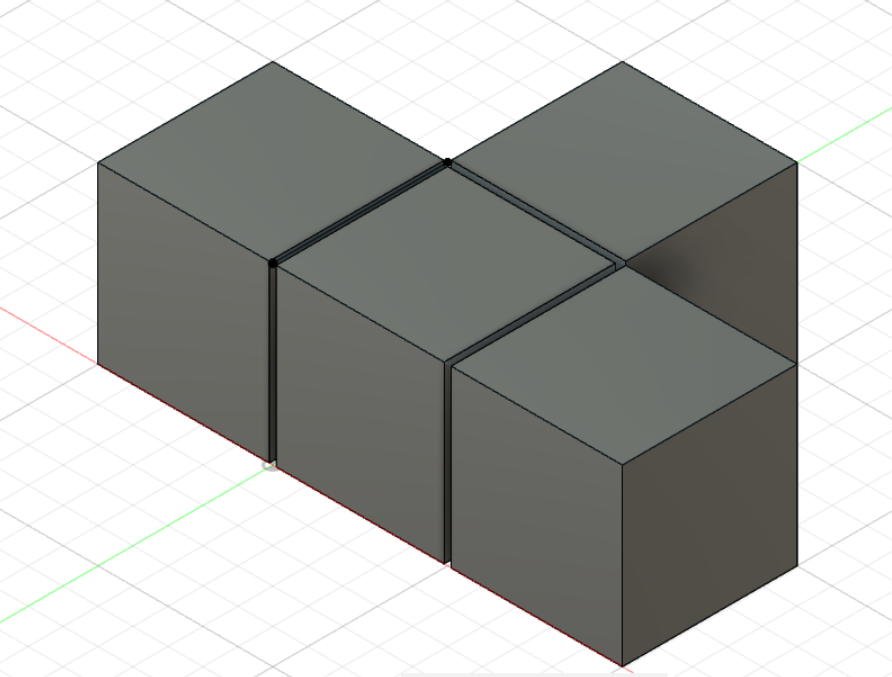
Building the model turned out to be fairly easy for me, perhaps because I had previous experiences using another 3d modeling software from Autodesk. A point worth mentioning is that it could potentially help a lot in sketching your model if you plan ahead, for example, drawing this model in your mind, thinking about which basic structures to start from, etc.
Specifically, I sketched out the ‘T’ shape and extruded it to 3D, and then carved out the details of it by extruding it ‘back’ by 10%.
I did not make any compromises since my structure was quite simple, but I did not know how to color its surface. I envision that this tool has its value in presenting exhibits. Visitors can zoom/rotate the digital version of exhibits instead of staring at them from some angle in front of a glass window. A tip I would like to share with a novice Fusion 360 user is that this software allows you to zoom in and out centered at the point your mouse is pointing at, so you can easily move the view parallel to the screen by zooming in and out at different centers.